Retro Games · available now
Chess System Tal Retro
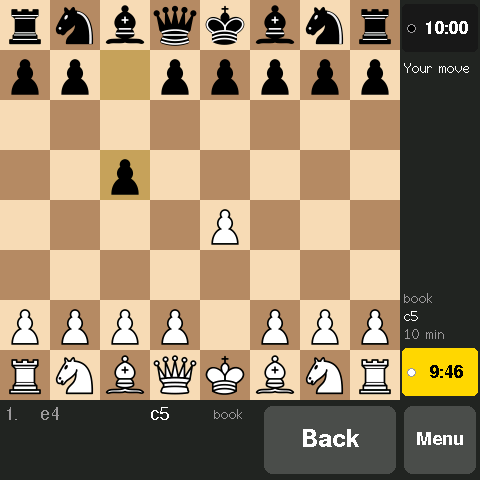
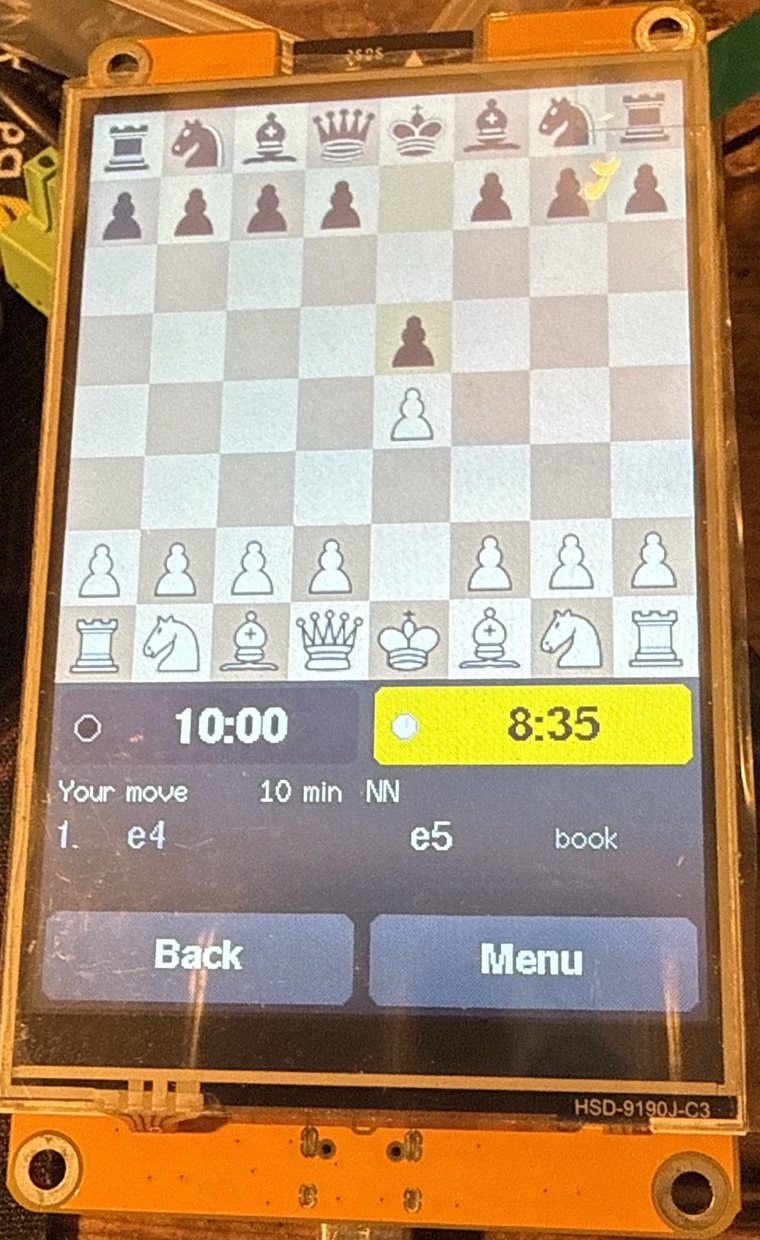
A chess computer in the spirit of the 1980s table-top machines — but with a neural-network evaluation, running entirely on an ESP32 colour touch-screen board. Tap or drag your pieces, set the clocks, take moves back. No PC, no phone, no Wi-Fi: the whole engine, its opening book and its network live on the board.
Project name on GitHub: CST-Retro-esp32.
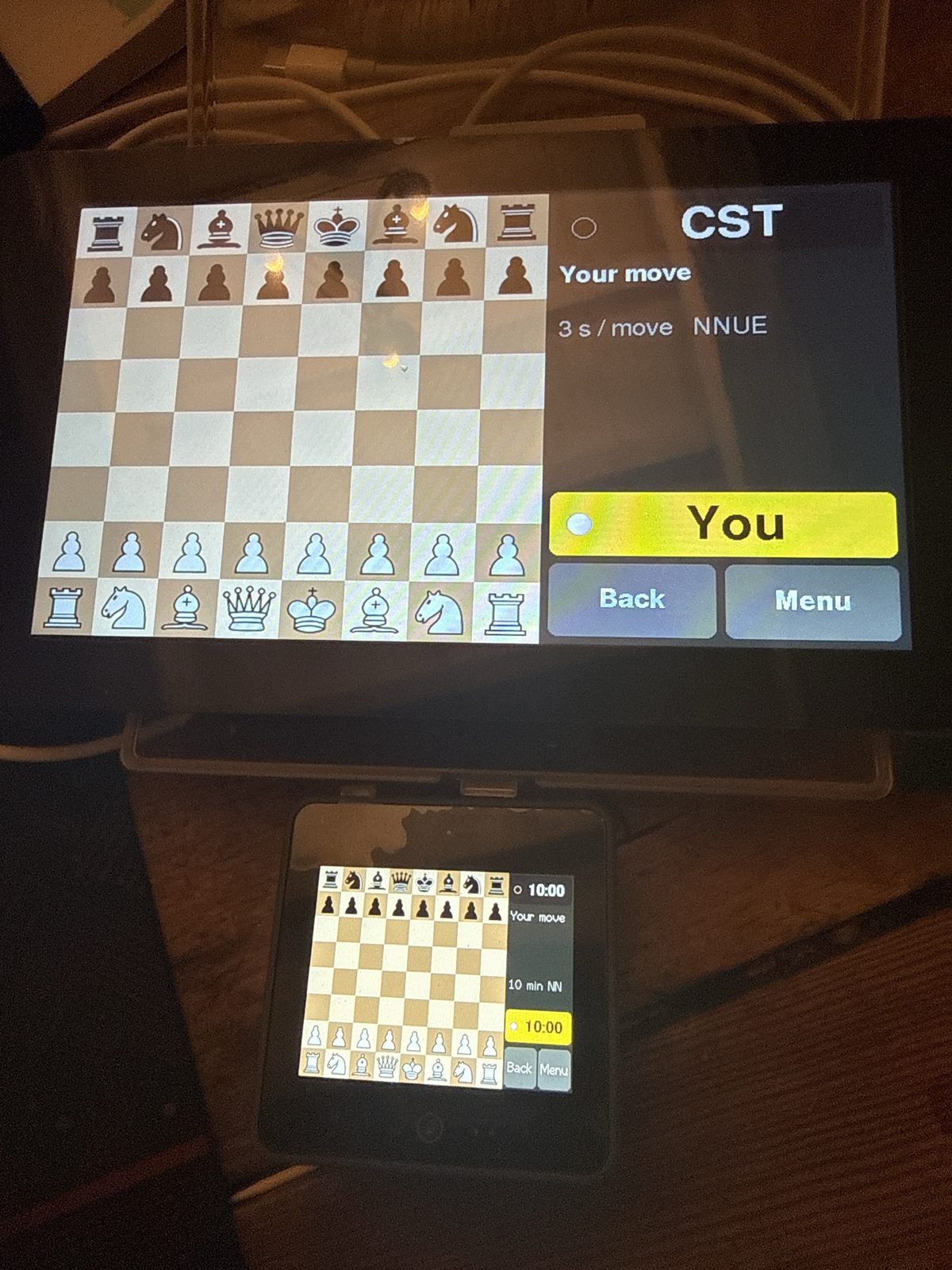
Play it by touch
- Tap or drag to move: the squares a piece can go to are marked, and a tap a little off the square still finds the move you meant.
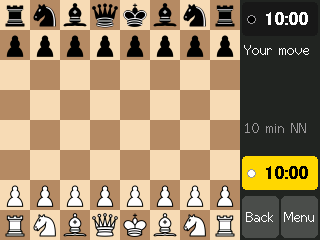
- Chess clocks: 1, 5, 10 and 30 minutes, 3 + 2 and 15 + 10 — or a fixed 1, 3 or 10 seconds a move for the engine. Your clock can be switched off if you'd rather think at leisure; opening the menu pauses it.
- Take back as many moves as you like, clocks and all.
- Resign, claim a win or agree a draw from the menu; running out of time against a lone king is a draw, as in the rules.
- An opening book — Jeroen Noomen's, with weighted random choices, so the engine varies its openings.
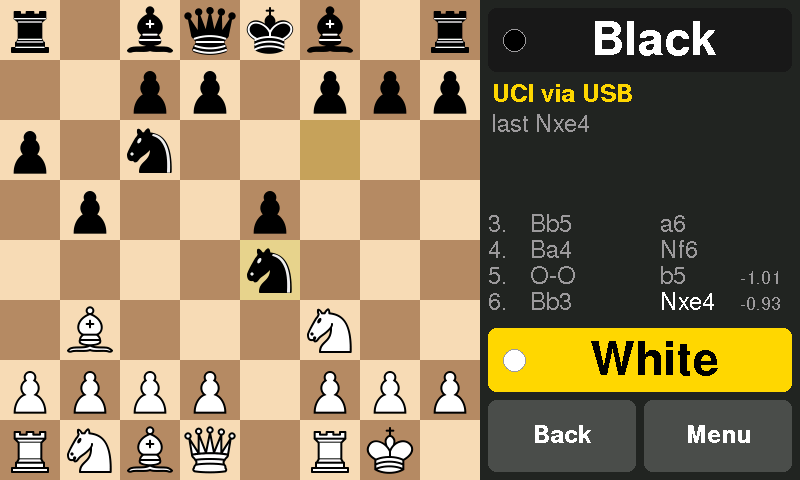
- The engine's thinking as it searches: depth and score, and on the 7-inch and 4-inch boards a move list in chess notation with its evaluation of each of its moves.
- A choice of evaluation: the neural network, or the classic hand-tuned piece-square tables (PeSTO) for a slightly weaker, faster opponent.
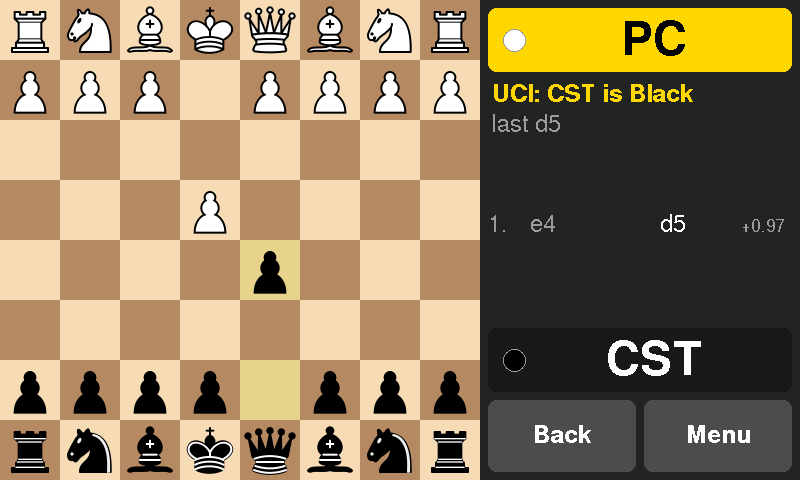
- A PC link: over USB the board is also a UCI engine. Set up a position from the PC and play it out by touch, or run engine matches with any chess GUI.
The engine
A new engine, written for the small machine, with ideas from Chess System Tal 5: an alpha-beta search with the standard modern pruning (null move, late-move reductions, static exchange evaluation) and a 32 KB hash table. The evaluation is a small neural network (NNUE, 768 → 64 → 1), trained on seven million positions scored by Chess System Tal 5. On the ESP32-S3 boards it is computed with the chip's vector instructions, and the engine searches about 55,000 positions a second.
Strength: about 2170 on the CCRL 40/15 scale, measured on the real 7-inch board: 231 games over USB at one minute plus 0.6 seconds a move against eight engines with known CCRL ratings — well beyond the hand-held chess computers of the 1980s. The other ESP32-S3 boards run the same engine at the same speed. The classic ESP32-32E display is about a quarter as fast, and measured the same way over 208 games it plays at about 2015.
What you need
One of four ESP32 touch-screen boards — each is the whole computer:
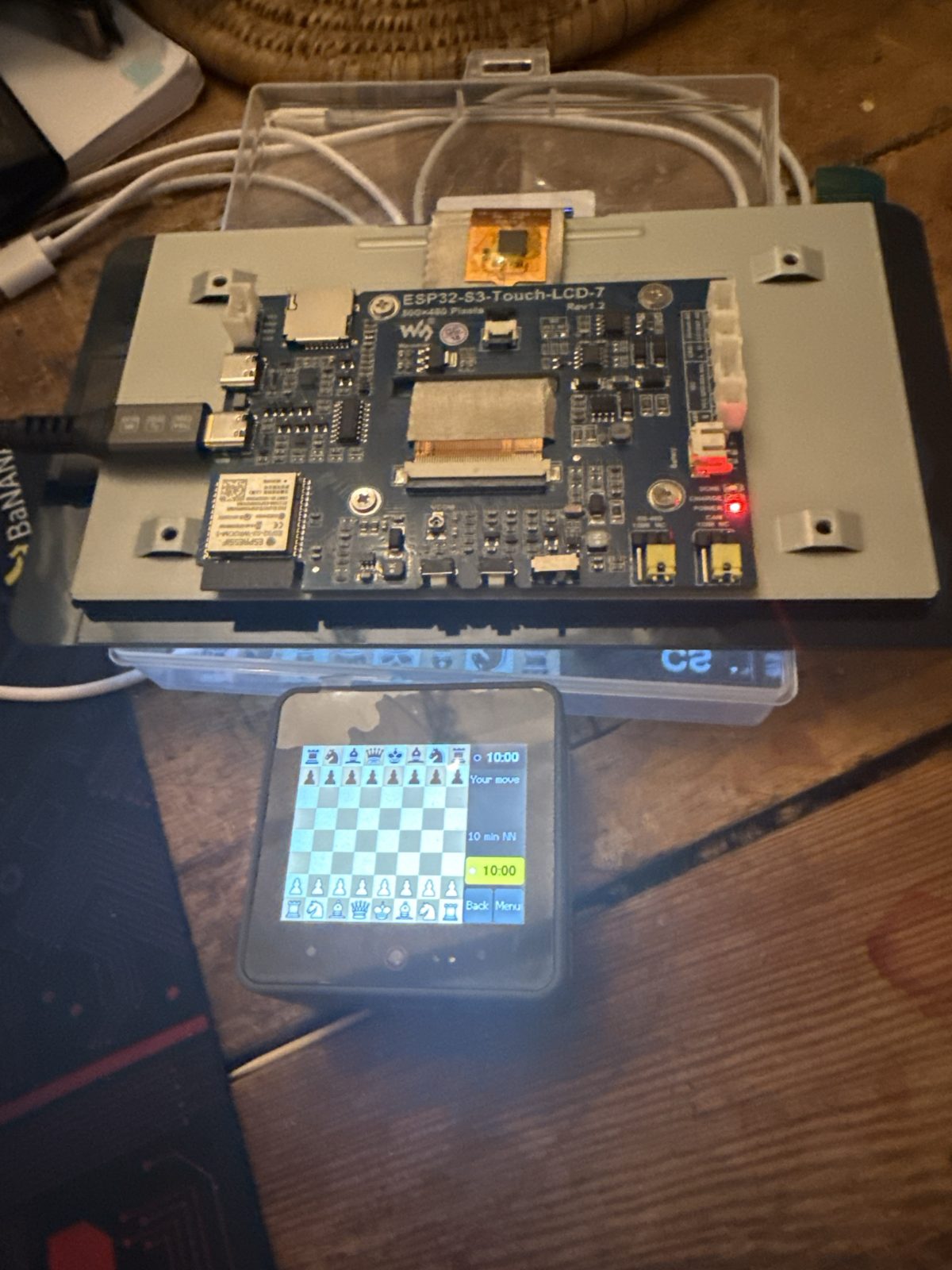
- Waveshare ESP32-S3-Touch-LCD-7 — a 7-inch, 800 × 480 screen with capacitive touch, 8 MB of PSRAM and 16 MB of flash. The big board, with room for the move list and the evaluations.
- Waveshare ESP32-S3-Touch-LCD-4 — a 4-inch, 480 × 480 square screen with capacitive touch, 8 MB of PSRAM and 16 MB of flash, and a buzzer that clicks on each move. The move list sits under the board.
- 4.0-inch ESP32-32E display (model E32R40T, often sold under the Hosyond name) — the board Retro Backgammon runs on, for about €23: a classic ESP32 with a 320 × 480 resistive touch screen and no extra memory. The engine runs more slowly here — about 15,000 positions a second, against 55,000 on the ESP32-S3 boards — and plays about 150 rating points weaker.
- M5Stack CoreS3 — a 2-inch, 320 × 240 touch screen in a pocket-sized case.
All have a 240 MHz dual-core processor: the engine thinks on one core while the other runs the screen. You also need a USB-C cable to load the game from a PC; after that the board runs from any USB power.
How to install
The easy way: straight from this page
- Use Chrome or Edge on a PC or Mac (they can talk to USB devices; Firefox and Safari can't).
- Plug the board into the computer with a USB-C cable. On the 7-inch board use the socket marked USB, not UART.
- Press the Install button for your board, pick its port from the list, and confirm. It takes about a minute.
If the board doesn't appear in the port list: on the 7-inch board, unplug it, hold the BOOT button while plugging it back in, install, then unplug and plug in again to start the game (the board's factory demo switches the USB port off; once the game is installed, it stays on). On the CoreS3, hold the reset button for about three seconds, until the green light comes on. The 4-inch Waveshare needs no buttons. The ESP32-32E display needs the CH340 USB driver on Windows, and on its first start asks you to tap four corner arrows to calibrate the touch screen.
Or download the firmware file
One file per board, written at address 0 with any ESP32 flashing tool — latest release on GitHub. With esptool:
esptool --chip esp32s3 write-flash 0x0 cst-retro-0.1.4-ws7.bin
(For the ESP32-32E display's file, use --chip esp32.)
Or build it yourself
The source is on GitHub.
With PlatformIO
installed, run this in the project folder with the board plugged in
(-e ws4 for the 4-inch Waveshare, -e e32r40t for the ESP32-32E display, -e cores3 for the CoreS3):
pio run -e ws7 -t upload
The README and docs/INSTALL.md on GitHub have the details, including what
porting it to another screen involves.