Retro Games · available now
Retro Checkers
Checkers — English draughts — against a thinking opponent, in the spirit of the 1980s table-top machines, running entirely on an ESP32 colour touch-screen board. Tap or drag your pieces, ask for a hint, take moves back. No PC, no phone, no Wi-Fi: the engine, its neural network, its endgame database and its opening book all live on the board.
Project name on GitHub: Retro-Checkers-esp32.
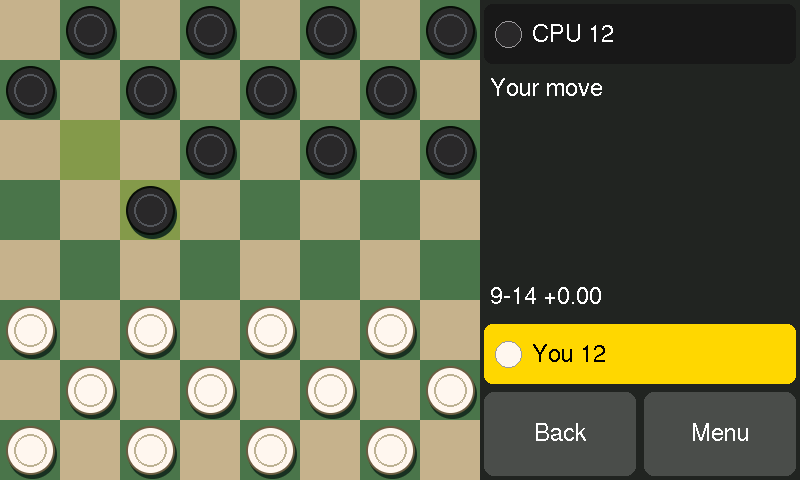
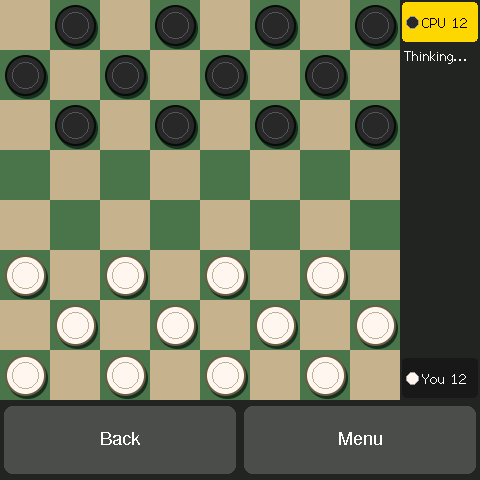
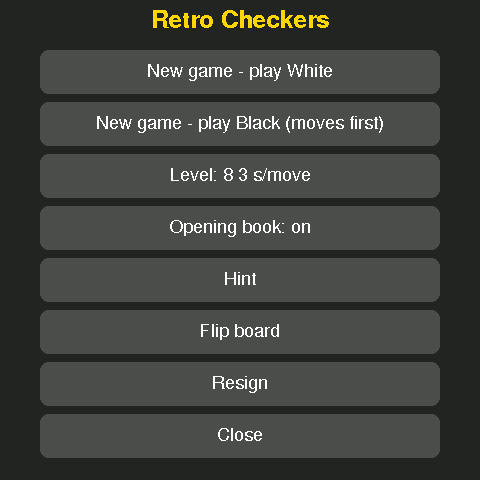
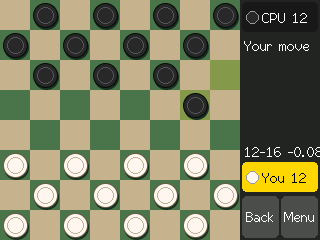
Play it by touch
- Tap or drag to move: tap one of your pieces and the squares it can go to are marked; a tap a little off the square still finds the move you meant.
- The rules are looked after: captures are compulsory, so only the pieces that can jump respond, and the panel says “Must jump!”. For a multiple jump, tap the square where it ends; if two routes end there, tap your way along the one you want.
- Ten levels: five beginner levels that limit how much the engine may look at — from almost nothing upwards — then 0.5, 1, 3, 10 or 30 seconds a move.
- Take back as many moves as you like, and ask for a hint when you are stuck.
- Play either colour, flip the board, resign.
- An opening book of the engine's own, with some variety in its first moves — or switch it off.
- The engine's thinking: depth and score while it searches, and its score beside each move it plays. When the endgame database knows the result, the panel says so exactly — “B in 7”, Black wins in seven moves.
- Draws as in the rules: the same position three times, or forty moves each without a capture or a man moving.
The engine
A new engine, written for the small machine: an alpha-beta search with modern pruning, and a small neural network (NNUE) for the evaluation. The network was trained from nothing but the engine's own games — five rounds of playing itself, scoring the positions with its own deeper searches, and learning from them. With it come an exact endgame database for every position with up to four pieces, and an opening book the engine computed for itself. No other program's code, network, book or database is in it.
On the ESP32-S3 boards the network is computed with the chip's vector instructions and the engine searches about 110,000 positions a second; on the classic ESP32 board, about 27,000.
Strength: measured on a PC, where the same engine was developed. In matches at a tenth of a second a move over 190 openings, played with both colours, it scored +77 Elo against Cake 1.85, +32 against KingsRow 1.20, −19 against GuiNN Checkers 2.06 and −30 against Cake 1.89f, each running without its endgame database (each figure is good to about ±15 to 19). With their six-piece databases switched on it does about 20 Elo worse against each. So: in the company of the well-known free PC programs at fast time controls, not ahead of them — and far stronger than it needs to be for a game across the kitchen table, which is what the beginner levels are for. The boards have not been measured separately.
What you need
One of four ESP32 touch-screen boards — each is the whole computer:
- Waveshare ESP32-S3-Touch-LCD-7 — a 7-inch, 800 × 480 screen with capacitive touch.
- Waveshare ESP32-S3-Touch-LCD-4 — a 4-inch, 480 × 480 square screen with capacitive touch, and a buzzer that clicks on each move.
- 4.0-inch ESP32-32E display (model E32R40T, often sold under the Hosyond name) — the board Retro Backgammon runs on, for about €23: a classic ESP32 with a 320 × 480 resistive touch screen and no extra memory. The whole engine still fits; it just thinks about a quarter as fast.
- M5Stack CoreS3 — a 2-inch, 320 × 240 touch screen in a pocket-sized case.
You also need a USB-C cable to load the game from a PC; after that the board runs from any USB power.
How to install
The easy way: straight from this page
- Use Chrome or Edge on a PC or Mac (they can talk to USB devices; Firefox and Safari can't).
- Plug the board into the computer with a USB-C cable. On the 7-inch board use the socket marked USB, not UART.
- Press the Install button for your board, pick its port from the list, and confirm. It takes about a minute.
If the board doesn't appear in the port list: on the 7-inch board, unplug it, hold the BOOT button while plugging it back in, install, then unplug and plug in again to start the game. On the CoreS3, hold the reset button for about three seconds, until the green light comes on. The 4-inch Waveshare needs no buttons. The ESP32-32E display needs the CH340 USB driver on Windows, and on its first start asks you to tap four corner arrows to calibrate the touch screen.
Or download the firmware file
One file per board, written at address 0 with any ESP32 flashing tool — latest release on GitHub. With esptool:
esptool --chip esp32s3 write-flash 0x0 retro-checkers-0.2.0-ws7.bin
(For the ESP32-32E display's file, use --chip esp32.)
Or build it yourself
The source is on GitHub, under the
Apache 2.0 licence. With PlatformIO
installed, run this in the project folder with the board plugged in
(-e ws4 for the 4-inch Waveshare, -e e32r40t for the ESP32-32E display, -e cores3 for the CoreS3):
pio run -e ws7 -t upload
The README and docs/INSTALL.md on GitHub have the details.